
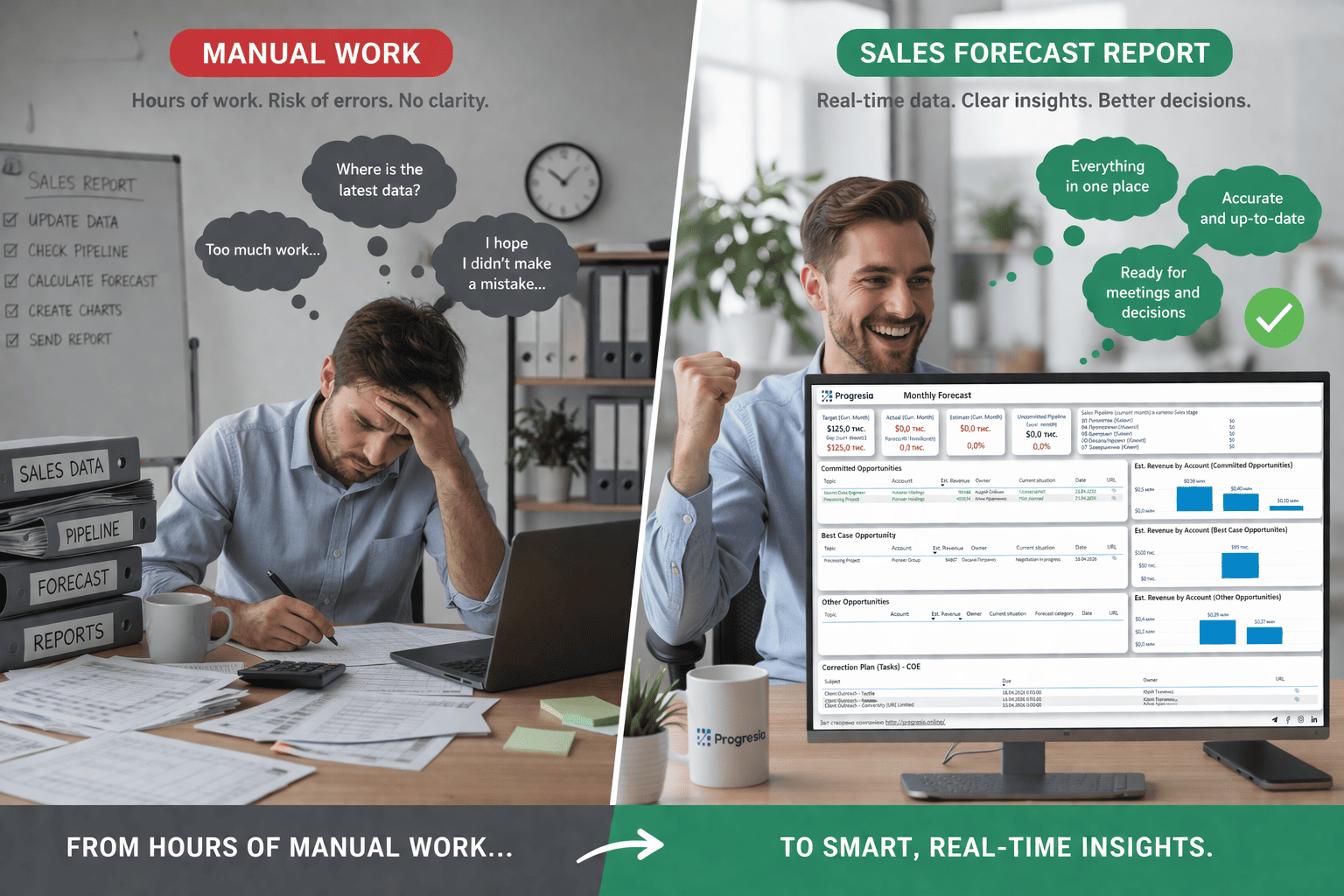
Power BI Sales Forecast Report: How to forecast sales and make data-driven decisions
Power BI Sales Forecast Report is more than a beautiful dashboard. It's a tool that gives sales leaders, CFOs, and business owners a clear view of the future: how many deals will close next month, where plan execution is at risk, and how to allocate resources right now.
This article walks you through what a sales forecast in Power BI is, how to build one, how to integrate it with your CRM, and how to put it to work in a real business.
What Is a Sales Forecast Report
A Sales Forecast Report is an analytical report that shows projected sales volumes for a future period — a week, a month, a quarter, or a year. Unlike static Excel spreadsheets, a Power BI report visualizes trends and lets you compare plan versus actual in just a few clicks.
This type of report answers the key business questions:
- What will revenue look like next quarter?
- Which managers or regions are falling behind on their targets?
- Where is there a risk of a deal falling through?
- How has the forecast changed compared to last month?
Sales forecasting in Power BI brings together data from your CRM, financial systems, and operational spreadsheets — turning it into a single, decision-ready picture.
Sales Forecast Dashboard: What Should Be on the Screen
A quality sales forecast dashboard in Power BI is not just a collection of charts — it's a structured analytical panel with a clear reading flow. Here's what it should include:
- Forecast vs Actual — the core block for comparing projected and actual figures by month or week.
- Pipeline by Stage — how many deals are at each funnel stage and their total value.
- Win Rate — the percentage of won deals by manager, product, or channel.
- Sales Velocity — the average time from first contact to deal closure.
- Monthly Forecast — trend dynamics with deviations from plan highlighted.
- Top Managers / Regions — a ranking based on forecast performance metrics.
A well-built dashboard lets a manager understand the current pipeline status and identify where attention is needed — in under 2 minutes.
How to Build a Power BI Sales Forecast Report: Step-by-Step
Connect Your Data Sources
Load data from your CRM (Dynamics 365, Salesforce, HubSpot), Excel, or a database. Power BI supports over 100 connectors.
Clean and Transform the Data
In Power Query, configure processing rules: remove duplicates, standardize date formats, and normalize deal statuses.
Build the Data Model
Create relationships between tables: Deals → Managers → Customers → Products. A solid model is the foundation of an accurate forecast.
Write DAX Formulas
Calculate your key metrics: Forecast Revenue, Actual Revenue, Variance %, Win Rate, Average Deal Size.
Design the Dashboard
Add visualizations: line charts for trends, bar charts for comparisons, KPI cards, and tables for drill-down detail.
Configure Filters and Slicers
Allow users to filter by manager, product, region, and time range.
Publish and Set Up Access
Publish the report to Power BI Service, configure automatic data refresh, and grant access to your team.
How Sales Forecasting in Power BI Is Used in Business
Here are three real-world scenarios where the Power BI Sales Forecast Report delivers a tangible impact.
Quarterly Planning
The CFO and CEO see the next quarter's revenue forecast broken down by product and region. This allows them to proactively adjust spending and resource allocation.
Weekly Pipeline Review
The sales manager runs a 30-minute review with the team. The dashboard shows which deals are at risk of falling through and where support is needed.
Manager Performance Analysis
HR and the commercial director compare each manager's forecast accuracy — measuring how precisely they predict their own deals.
The common denominator across all scenarios: decisions driven by data, not gut feeling.
CRM Integration: Dynamics 365 Sales Forecast in Power BI
Dynamics 365 is one of the most widely used CRM systems among B2B companies, and its integration with Power BI unlocks new possibilities for sales forecasting.
Dynamics 365 has a built-in Sales Forecast module, but its flexibility is limited. Power BI lets you:
- Combine CRM data with financial systems and ERP.
- Build custom forecasting models beyond the standard CRM framework.
- Create a unified leadership dashboard where Dynamics 365 data appears side by side with marketing and operational metrics.
- Set up automatic data refresh every 15–30 minutes.
Technically, integration is done via Dataverse Connector or Power Query — with zero code required for standard scenarios. For complex data queries, FetchXML or OData API are used.
Common Sales Forecasting Problems — and How to Fix Them
Even with Power BI and good data, sales forecasting can go wrong. Here are the most common causes and how to address them.
Why Power BI for Sales Forecasting
Among tools for building a sales forecast dashboard, Power BI holds one of the top positions. Here's why.
Fast Deployment
A basic report can be built in 1–2 days when structured CRM data is available.
Flexibility and Scalability
Works equally well for a 5-person sales team and a company with 500 reps.
Native Microsoft Integration
Teams, SharePoint, Dynamics 365, Azure — everything connects without complex configuration.
Powerful Mobile App
Executives can check the latest forecast right from their smartphone during a meeting.
Affordable Pricing
Microsoft Power BI Pro costs significantly less than most enterprise-class alternatives.
Rich Ecosystem
Thousands of templates, an active community, and Microsoft documentation — all of which speed up development.
The Power BI Sales Forecast Report is not a luxury reserved for large enterprises — it's a practical tool for any B2B business with a sales team and a revenue target.
A properly built sales forecast dashboard enables you to:
- See the real pipeline picture without manual Excel consolidations.
- Make decisions 2–4 weeks before a problem becomes critical.
- Improve forecast accuracy to 85–90% with quality CRM data.
- Cut the time spent on management reporting by 3–5x.
Want This Dashboard in Your Company?
If you'd like to implement a Power BI Sales Forecast Report, we're ready to help. We build custom solutions based on Power BI and Dynamics 365, tailored to your business processes.
Request a Free Consultation Free consultation · No commitment